Chrome extension
Your listing form fills itself
Open the listing form in your portal, click the Systemagic extension, and the fields populate from your documents — one by one, each with a source citation.

The same data, copied by hand into five different forms
The property's data is already in the documents: floor area in the management certificate, fees in the AGM minutes, energy class in the certificate. Yet the agent sits and copies them from field to field into Linear, OviPro, KIVI, Valpas and Maija. An hour per property — and the error margin grows with every keystroke.
How it works
Three clicks to a filled-in form
Step 01
Open the property in your portal
Linear, OviPro, KIVI, Maija, Valpas — open the listing form just as you would.
Step 02
Click the Systemagic Chrome extension
The extension recognises the form and matches it to the right Systemagic property automatically.
Step 03
Fields fill in — with sources
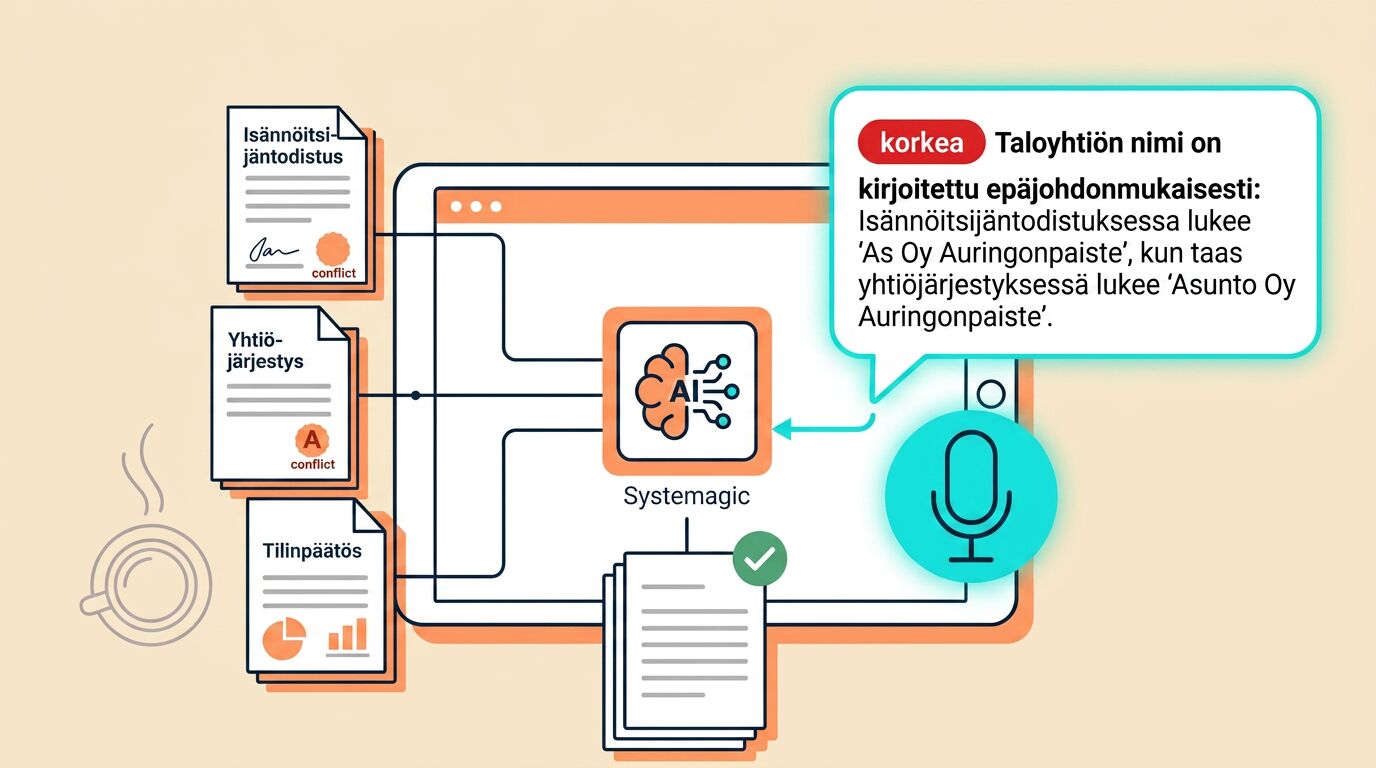
Fields populate one by one and each shows the source document next to it. You review, approve, submit.
What the extension fills in
Supported portals and fields
Linear, OviPro and KIVI
The most supported portals. Listing form fields populate from the property's documents — from basics to fees and renovation history.
Maija and Valpas
Apartment and commercial space forms work with the same logic. Ask for support if you use another system.
Floor areas & unit type
Apartment and balcony floor areas, room count, unit type and floor — straight from the management certificate.
Fees & charges
Maintenance fee, financing fee, water and sauna charges from verified sources.
Energy & condition
Energy class, energy certificate validity, heating system and key facts from the condition report.
Loan share & free-text fields
Share of debt, company loan, even longer text fields like the property description — drafted for you, ready to edit.
Bonus
The source is always next to the field
Every filled field has a small link next to it: click it and see the exact passage in the PDF the data came from. No guesswork, no manual cross-checks — just a quick glance before you hit submit.
The outcome
An hour saved per property. Fewer errors, no less control.
≈ 1 hour per property
Filling the form turns into reviewing it.
Fewer typos
Data flows from document to form with nothing in between.
Same source everywhere
The same data in every portal, from the same source.
Explore more
Other Systemagic features



Frequently asked
Save your next hour — let the extension fill the form
A 30-minute demo where we fill in one form on one of your properties in one of your portals.