Client recording
Record the client conversation — let AI pull out what matters
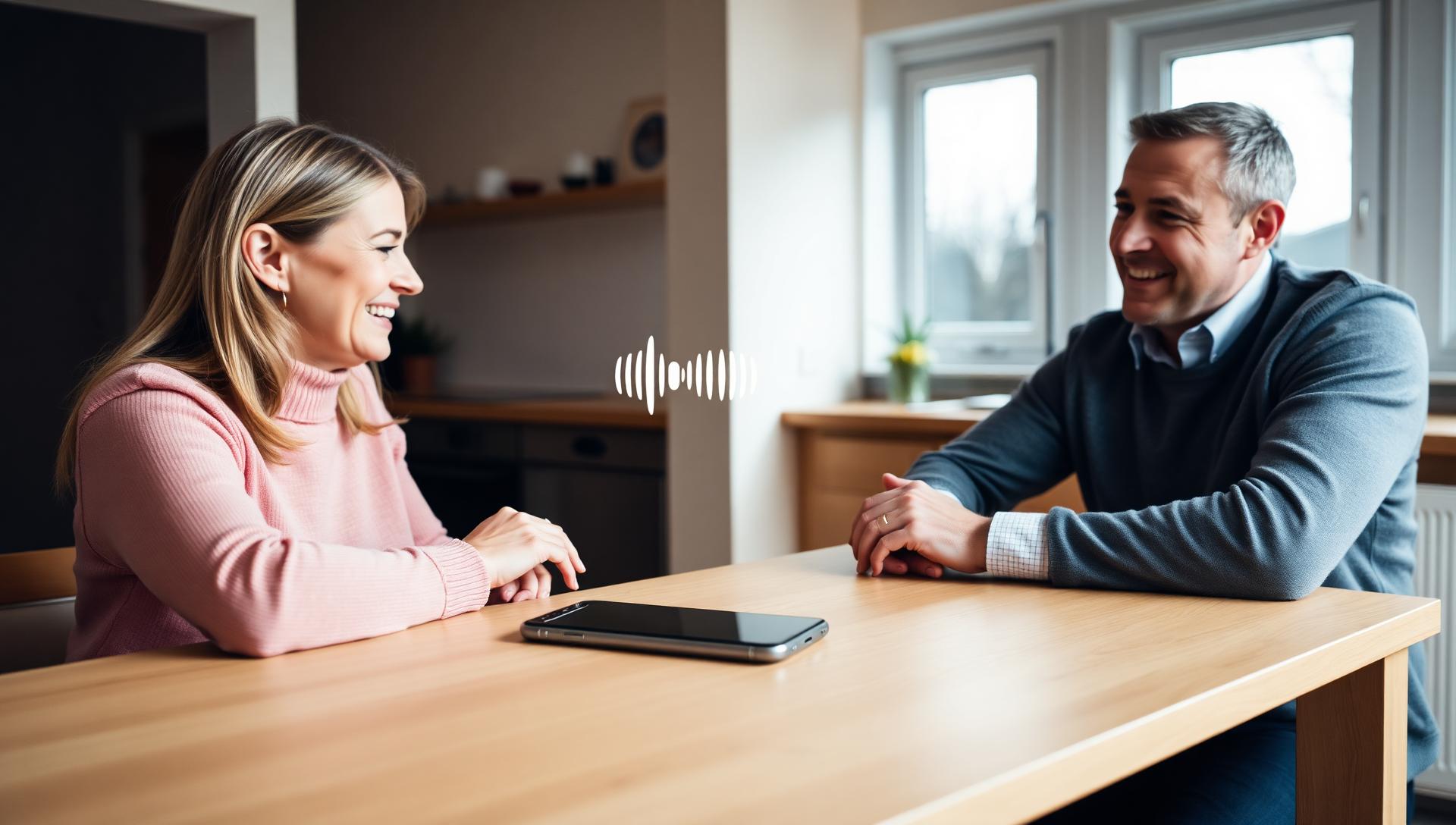
In a meeting your client describes wishes, asks about details and talks about their current home. Tap record on the table — Systemagic transcribes the conversation speaker-by-speaker and adds it straight to the property's analysis.
The most important details are spoken — and there's no time to write them down
A client meeting is alive. They describe wishes, drop a budget ceiling in passing, ask about renovations and reveal — almost as an aside — why they need to move from their current home. If you try to write it all down, you stop listening. If you listen, half is gone by evening — and when planning the next showing you're left guessing what the client actually wanted.
How it works
From recording to analysis, in three steps
Step 01
Open the property and hit record
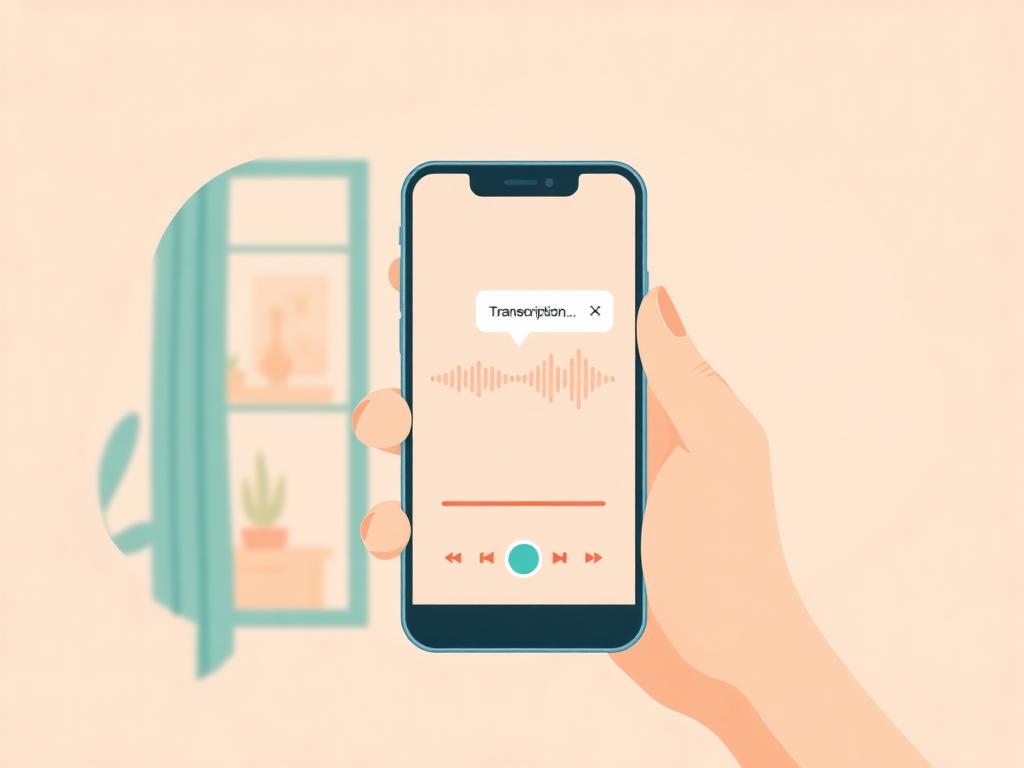
Place your phone or laptop on the table, open the property in your browser and tap record. Let the client know you're recording — Systemagic runs straight in the browser, no separate app needed.
Step 02
Have the conversation naturally
Don't try to structure it — talk as you normally would. Systemagic detects speakers automatically and separates who said what. You can also record a phone call or video meeting's audio.
Step 03
The transcript flows under the property
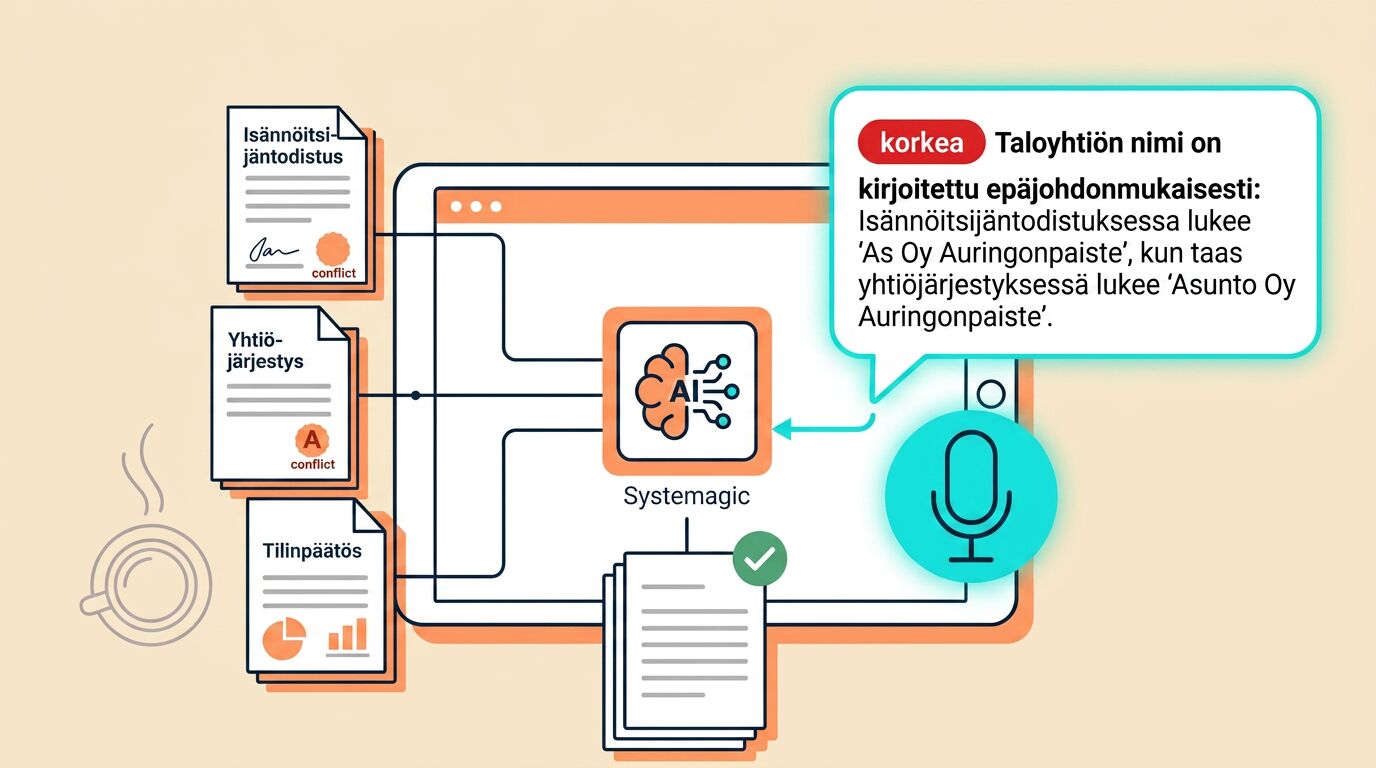
After the meeting the transcript (labelled Client / Agent) lands on the property's timeline and becomes part of the analysis — exactly like an uploaded document. The AI uses it in cross-checks and answers.
Where it earns its keep
From in-person meetings to phone calls
Listing intake meeting
Record the first meeting with the seller. The home's history, renovations, neighbours and quirks are captured word-for-word — you don't have to circle back later.
Buyer wish-list discovery
When a prospective buyer describes their dream home, the AI extracts the criteria (location, price range, sqm, must-haves) and remembers them for the next suggestion.
Post-viewing feedback
Record a two-minute chat after the showing — what they liked, what didn't fit. The AI turns it into a clean note.
Phone call with the property manager
Put the phone on speaker and hit record. Everything agreed stays on the record verbatim — no misunderstandings later.
Offer negotiation
A word-accurate record of what was promised and what wasn't. The AI can also summarise where each party landed.
Video meeting audio
Record a Teams or Zoom meeting. Multi-party conversation is transcribed speaker-by-speaker — even if people talk over each other.
Bonus
Speaker detection keeps the dialogue intact
A multi-speaker conversation comes out clearly separated in the transcript: you can see who asked what and who answered. You can rename speakers afterwards (e.g. "Client Mari" / "Seller Pekka"), and the AI uses those names in its answers too.
The outcome
The client's voice is part of the property's analysis.
Listen, don't scribble
Focus on the client — the notes write themselves.
Conversation = document
A transcribed conversation behaves like an uploaded PDF — the analysis uses it.
Better memory of the client
The AI remembers what the client said last time — and notices when a new property matches their wishes.
Explore more
Other Systemagic features

Frequently asked
Let the client talk — you focus on listening
A 30-minute demo where we try recording on one of your own meeting scenarios. Free.